
Live TV on your screens - it comes with the music
Every screen in the pub.
One phone in your pocket.
Change the channel, put the weekend's sport on once, and let the screens switch themselves. Your specials and your guests' photos play between the games. No remote to lose, no box to sign into, no batteries to go flat.
eJukebox has been putting music into Australian pubs, clubs and bars for years. Same team, same people who read every enquiry - and now every TV in the building as well.


One real night, this month
Changing the channel in a pub today.
The owner went to put the game on. This is how it went, and how it goes in a lot of venues on a Friday.
The aerial drops out
Free-to-air on the bar TV breaks up into blocks mid-game. Digital reception was never perfect, and when it goes, it goes in squares.
The box wants a login
Upstairs, the streaming box asks for the 7plus app to be signed in again. It wants a QR code scanned on a phone. It fails. Nobody knows the password.
The remote is flat
The finicky little remote will not change the station. Someone hunts for batteries. Everyone gives up and it gets changed by hand, on the TV itself.
With eJukebox
One tap on the manager's phone. Every screen switches, upstairs and down. The sound comes on. The music goes down. Nobody moves.
By the time someone found batteries, the first quarter was gone and the music was still going under the commentary. That is a normal Friday in a lot of venues. With eJukebox it is one tap on the manager's phone: every screen switches, the sound comes up, the music goes down, and after the whistle the specials come back on the screens and the music comes back on its own.
What you get
The screens look after themselves.
Four things, and every one of them is running in venues now.
The phone is the remote
Every TV in the building, upstairs and down, from the eJukebox app staff already carry. Nothing to lose, nothing to go flat.
Set the sport once
Pick the weekend's games from the guide on Monday. The screens switch at kick-off and come back to your specials after the whistle.
Your pictures between the games
Specials, events and function photos on the same screens. The match, your happy hour at half time, then the match again.
Sound where it belongs
The TV's sound comes out of the TV. Your music keeps playing through your speakers, and each has its own volume on the phone.
How it works
One lead. One app. One tap.
Nothing on your wall changes. The TVs you already own, the splitter you already have if you have one, your existing internet. The only new thing in the venue is one lead from the eJukebox box.
We plug in one lead
From the eJukebox box into your TV, or into the splitter you already have. Every TV on it follows.
Staff sign in
The eJukebox app on their own phones, with your venue's sign-in. Managers get the remote, and the sport guide is right there.
Tap a logo
Seven, Nine, Ten, ABC, SBS and their sisters. Tap Slideshow and your own pictures come back.
The Friday timeline
Set on Monday. Runs itself on Friday.
Five beats on one line. This is the proof that nobody has to stand in front of a TV at 7:29 with a remote.
Set the sport
The manager opens the guide and taps Saturday's game. Done for the week. If two games clash, the app says so before it saves.
Kick-off
The screens switch by themselves. The TV's sound comes on. The music goes quiet.
Your specials
When the ads come on, the screens show your slides instead. When the game comes back, so does the picture.
Final whistle
The slideshow comes back. The music comes back at the level it was.
Change your mind
Tap a different channel, or Slideshow, or Mute. The phone always wins.
Sound
Two lanes that never cross.
The question every venue asks first: does the commentary come through my music speakers? No. Never. The TV's sound comes out of the TV, the music stays on the music speakers, and each has its own volume on the phone.
Music
- Plays through the venue's music speakers, as it always has
- Goes quiet by itself when a game with sound starts
- Comes back where it was at the whistle
- Its own volume on the phone
TV
- Comes out of the TV, down the same lead as the picture
- Comes on at kick-off, if the game was set with sound
- Stays on under the ad-break slides, so the game comes straight back
- Its own volume on the phone
Rather keep the music going through the game? Set the game silent instead. On many TVs the phone can even change the volume of the TV itself.
Channels
Every free-to-air channel for your state.
The broadcasters' own live streams, picked for your city, so there is no aerial to drop out. Sport channels come and go with the season.
Free-to-air today. Pay TV is in discussion.
More than TV
The same screens sell the venue all night.
The TV is the part everyone asks about. The rest is what the screens do the other twenty hours a day, and none of it has gone anywhere. When the TV is not on, the screens are never blank.
Slides we design for you
Specials, the week's events, the function menu. Send us the words, we build the slide, and it is on the screens the same day.
Your guests' photos
Guests send a photo from their phone and it is up on the wall with your logo on it, checked before it shows. Kept in portrait and landscape, and as Instagram-ready crops.
A line on the screen in seconds
"Kitchen closes at 9." "Trivia starts in ten." Type it on the phone and it is on every screen, then gone when you say.
Functions and events
The night's photos and dedications on the screens while it happens, and a private page for the host the morning after.
Got our request touchscreen at the bar? It keeps doing what it does: song requests, dedications, and the same photos and slides as its screensaver. The TV goes on your wall screens.
Guest photo wall for pubs and clubs
Photo taken to photo on the wall: about three seconds.
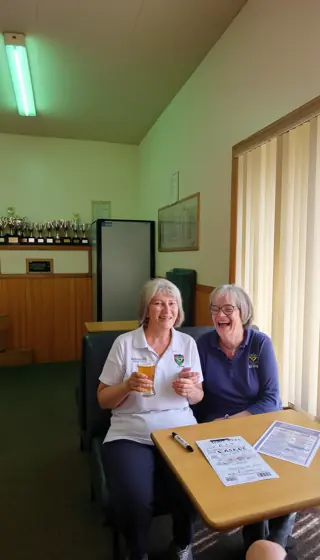
Fast enough that the guest is still holding their phone and looking at the screen when their own face lands on it. That is when the rest of the room turns around, and that is the bit no other screen in the building does.
Snap
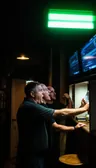
A guest scans the QR prompt on the screen and takes the photo right there in the browser. No app to download, no sign-up, no staff involved.
Checked, then dressed
Every photo is checked for nudity, offensive gestures and anything tasteless before it can reach the wall. Anything questionable is held back, not displayed. What passes is branded with your logo and kept in both portrait and landscape.



On the wall
The rotation cuts its current slide short and puts the new photo up. Not queued for later - up now, while they are still standing there.
Fifteen minutes of fame
A fresh photo comes back around every few slides while the guest is still in the room, then settles into the normal rotation with everyone else's.
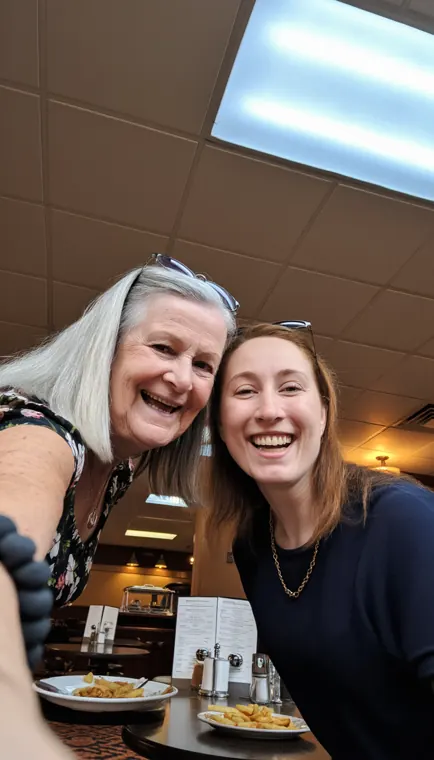
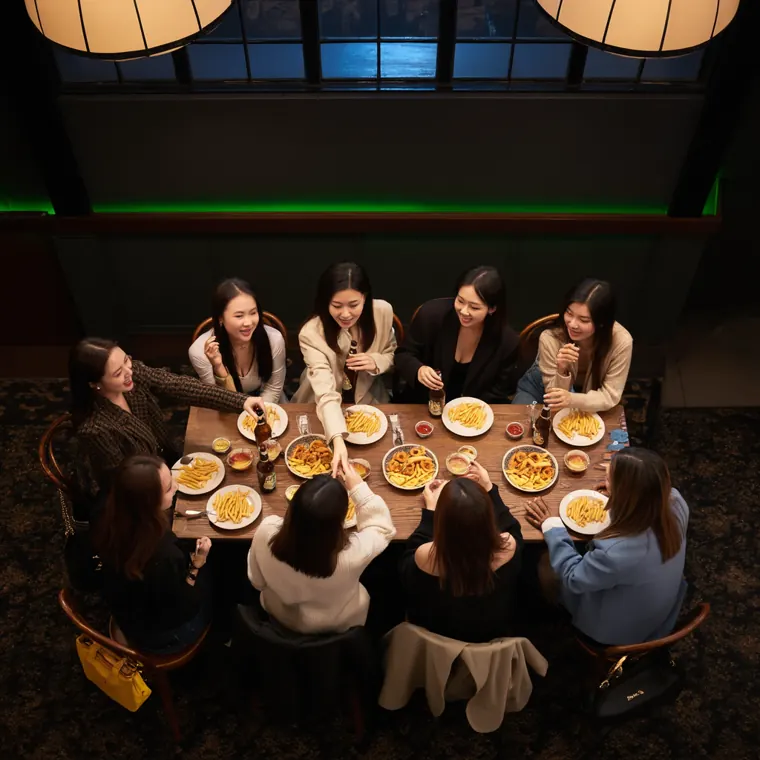
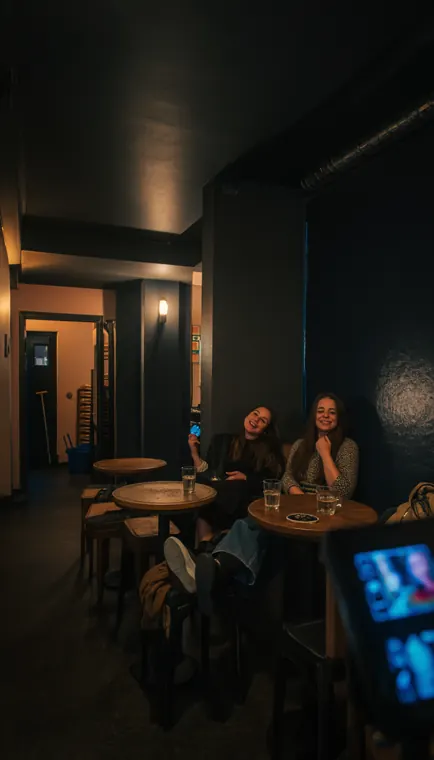
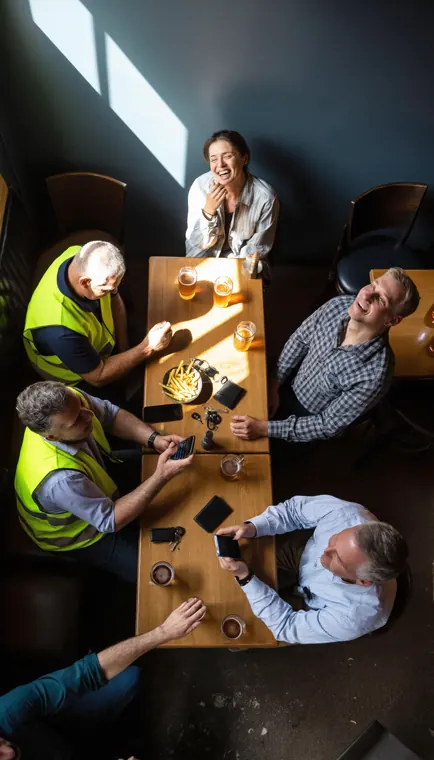
Illustrative - the photos on this site are AI generated, not photographs of real customers.
Functions and events
The photo wall is the reason they book the room again.
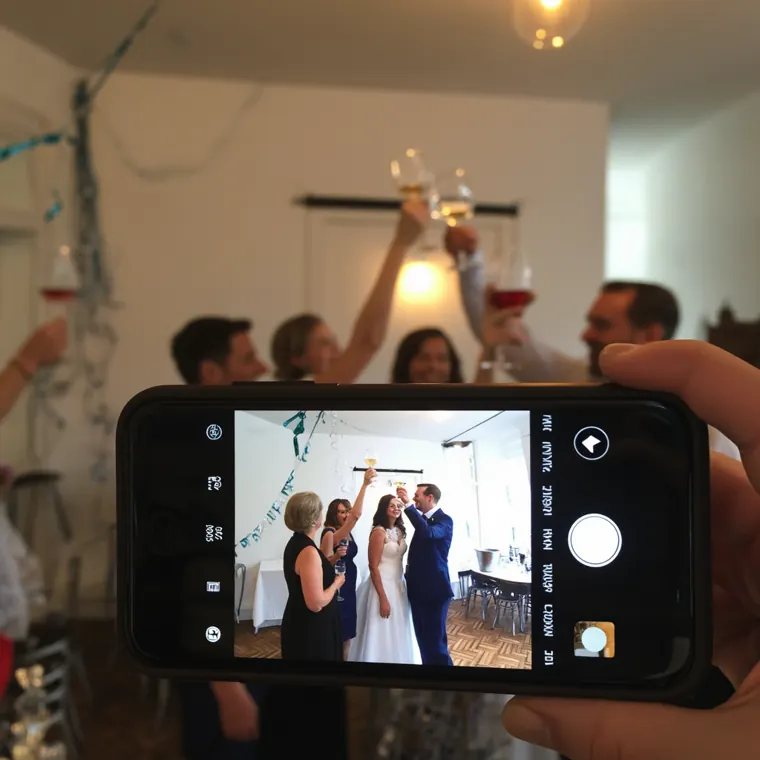
Weddings, engagements, 40ths, the work Christmas party. Guests scan the QR on the table, take a photo, and it is on the big screen before they have sat back down. The room turns around and looks - and that happens again every few minutes all night. The morning after, the host gets a private page with every photo and dedication from the night.

Instant slides
Type it. It is on every screen in seconds.
Standing at the bar at 11:20 with a phone in your hand is the worst possible time to open a design app. So don't. Type the sentence, tell it how long to stay up, and it is on the wall before you have put the phone back in your pocket - then it takes itself down.
Press one
Press one and watch. Same words, a different look every time - it is laying out a slide, not filling in a form.
Build the set once
Every slide you make is kept. Last drinks, trivia night, the Sunday roast, the members' draw - fire any of them again with a tap. Your venue's own library, and it grows every week without anyone maintaining it.
It takes itself down
Set it for 15 minutes, 30, 60, or until you switch it off. Nobody has to remember to pull down last night's happy hour slide, because it removed itself at six.
Between the games
One rotation. The game, your specials, their photos.
Not nine separate systems and nine logins. One screen, one rotation, and everything below takes its turn in it - the live TV included.
The game, when you set it
Pick it from the guide once. The screens switch to it at kick-off and hand back to the slideshow after the whistle. Tap Slideshow any time and your own pictures come back.
The screen sells for you all night
Specials, upcoming gigs, function packages, the members' draw. Your promos sit in the rotation between the photos - and during the ad breaks in the game - on a screen you already own and already pay the power on.
Urgent things come round more often
A 15-minute message earns a denser slot than an hour-long one, so the thing that matters right now actually gets seen. Fresh guest photos jump the queue entirely.
Every third slide asks people to join in
Add your photo, request a song. Somebody who walked in ten minutes ago works out how it all works from the screen itself, without a staff member saying a word.
Windows, daily rules and one-offs
Specials daily 4 till 6. The Anzac Day slide on the day only. The gig poster from now until Saturday night. Set it once and the screen follows the calendar.
Portrait and landscape, both kept
A portrait screen by the bar and a widescreen TV on the wall each get the version that fills them properly. No stretched faces, no photo the size of a postage stamp between two black bars. Upload the logo once and it rides on every frame.
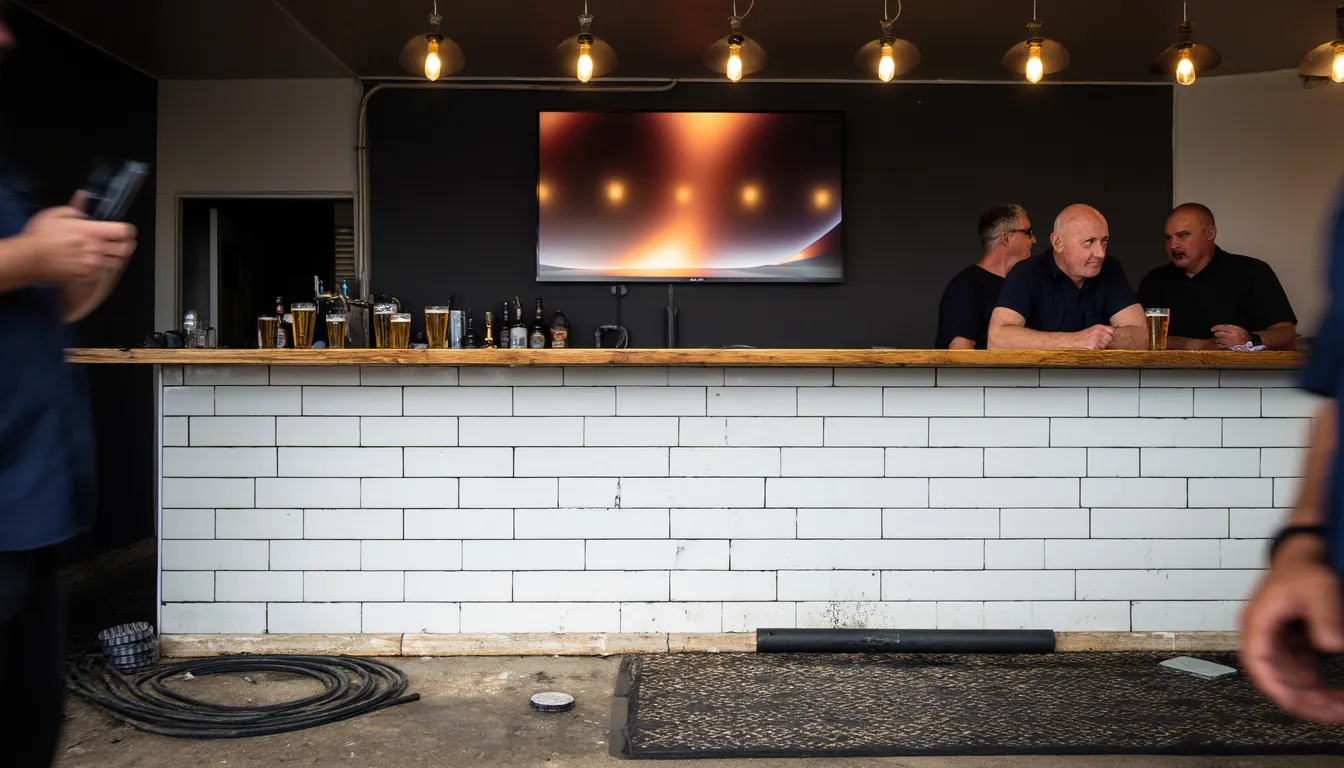
The deal
It comes with the music.
eJukebox music already gives you the whole room: licensed music for two zones, updated every week, with the request app your patrons use from their table. The screens ride on top of it. Music and TV, finally in the one app.
- Slideshow screens with your specials, events and your guests' photos
- Live free-to-air TV and the sport guide, from the same app
- More TVs on the same picture: a lead and a splitter
- A different picture in another room: a small screen box, hardware once, nothing ongoing
- Never another subscription for the screens
Music and TV. The screens, the TV remote and the sport guide come with an eJukebox music subscription. Tell us about the room and we will talk it through.
Runs itself
It runs itself, and you can still stop it from the car park.
A screen in a public bar has to survive a busy Saturday with nobody looking after it, and still do exactly what a manager says the second they say it.
- Australian owned and supported. Built here, run here, and answered by a person in Australia.
- The TV is PIN-locked. Walk up to the screen, press Escape, and you get a PIN pad - not a desktop, not a file manager, not somebody's browser tabs.
- It heals itself. A watchdog restarts the display if anything ever stops it, so a hiccup at 9pm on a Saturday does not become a black screen for the rest of the night.
- We keep an eye on it. The box is monitored and managed from our end, so problems get spotted and fixed here rather than found by your staff on a Saturday night.
- Approve or hide from your pocket. The manager app handles photos one at a time or in bulk, fires a slide, changes the schedule, changes the channel, and starts or stops the show from anywhere.
- Push notifications. The right people get told when something actually needs a decision. A glance at the phone, one tap, done.
- Sign-in without passwords. Staff get in with Google, Microsoft or Apple, organised into per-venue teams. Add a manager by email, remove someone the day they leave.
- Powers on with the venue. The eJukebox box into any spare HDMI input. It starts when the room starts and runs around the clock with nobody touching it.
Roll the tape
See a night run start to finish.
We are cutting a film of a full night - a photo landing, the slide that takes itself down, the prompt that pulls the next person in. Until it lands, the fastest way to see it is on your own screen: fifteen minutes, your logo on it.
A full night, end to end - the wall filling up, a slide going up from the bar, the room noticing.
--:--You do not have to wait for the film. We will run a live screen with your logo on it and you can watch the whole thing happen in about fifteen minutes.
See it on your screenWhere this goes
Today it does live TV, photos, slides, promos and prompts.
It takes its orders from a phone instead of a USB stick, so what is on it can change on a Tuesday afternoon. Here is exactly what is live now, and what is coming but is not here yet.
Live today
On the way - not shipping yet
Everything marked ◇ is on the roadmap and is not shipping yet. Nothing else on this page is a promise about the future - it is what the screens do today.
Straight answers
The questions everyone asks first.
Who changes the channel at 7:30 on Friday?
Nobody. Set it once from the sport guide on the phone and the screen switches itself at kick-off, then goes back to your specials after the whistle. If you change your mind, tap a different channel, or Slideshow, or Mute. The phone always wins.
Where does the TV sound come out?
The TV, down the same lead as the picture. Never your music speakers. One volume for the music and one for the TV, both on the phone.
And the music? Does someone have to turn it down for the game?
No. Set the game with sound and at kick-off the TV comes up and the music goes quiet by itself. At the whistle the slideshow and the music come back where they were.
Want the music to keep playing through the game? Set the game silent instead.
We have ten screens, six on one thing and four on another. Can it do that?
Yes. Two groups, two rows on the phone. The six run off the eJukebox box into the splitter you already have. The four run off a small screen box behind that wall. Hardware once, nothing ongoing.
Same thing on all ten?
One lead into your splitter. Done. Every TV on the splitter follows the one tap.
What if two games overlap?
The app tells you before it saves: what is already on then, and that the new one would change the channel halfway through. You choose.
Does the request touchscreen show the TV?
No. It takes song requests and shows your photos and slides as its screensaver, the same as it always has. The TV goes on the wall screens.
Does it need the internet?
The same connection your eJukebox music uses. The channels are the broadcasters' own live streams, so there is no aerial to break up into blocks. If the wifi at the far end of the room is patchy, say so and we will look at a network point near the TV instead.
Will it work with my TV?
Any TV with an HDMI input. The eJukebox box goes into a spare port the same way a set-top box does, and if you already run several TVs off one splitter, the lead goes into that instead and every TV on it follows. If your setup is unusual - an old panel, a projector, a screen already fed by something else - tell us what it is and we will tell you straight.
What about pay TV?
Free-to-air today. Pay TV is in discussion.
Can we keep the music we have got?
The screens come with eJukebox music. That is the deal, and it is a better deal than the box and the remote: licensed music for two zones, updated every week, the request app your patrons use from their table, and now every TV in the building from the same phone. The music side lives at ejukebox.music.
What does it cost?
The screens, the TV remote and the sport guide come with an eJukebox music subscription. Beyond that it depends on how many screens you have and how the room is wired - one TV behind a bar is a different job from ten screens across two floors.
So rather than put a number on a web page that turns out to be wrong for your venue, tell us about the room and we will talk it through properly. One short conversation, and a figure that actually holds.
Is it Australian?
Yes. Built, run and supported here by MusicBot Pty Ltd. Send the form through and you get one of us coming back to you, not a call centre and not a chat window that takes three days.
Twenty minutes, on your own TV.
We bring a portable unit, plug it into a TV in your bar and hand you the phone. You will have changed the channel on your own screen before the coffee is cold. Tell us about the room and we will set a time.
A person reads every enquiry - normally back the same day.