
See it live
Let's put it on your screen.
Twenty minutes is enough. We bring a portable unit, plug it into a TV in your bar and hand you the phone. You will change the channel on your own screen, put a slide up, and see your own logo on it - not a generic demo about somebody else's pub. If it is easier, we can walk you through a live screen over a call first.
No obligation, no slide deck, and nobody will chase you for a fortnight afterwards.
The fifteen minutes
What a demo actually looks like.
There is no pitch deck and no discovery workshop. You tell us about the room, we put your name on a screen, and you watch the photo wall and the digital signage run together on it.
A call, or we come in
Fifteen minutes on the phone about your room - how many screens, where they hang, what is on them now, and whether functions are a big part of what you do. If you are close enough, we would rather come in and see it.
Your room on the screen
We run a live screen with your logo, your specials and your name on it. Take a photo on your own phone and watch it land on the screen a few seconds later. That is the bit that does the selling for us.
See what your customers do
Leave it going for a bit and watch what happens on a normal Thursday. People work the QR code out on their own - that is what the prompts are there for.
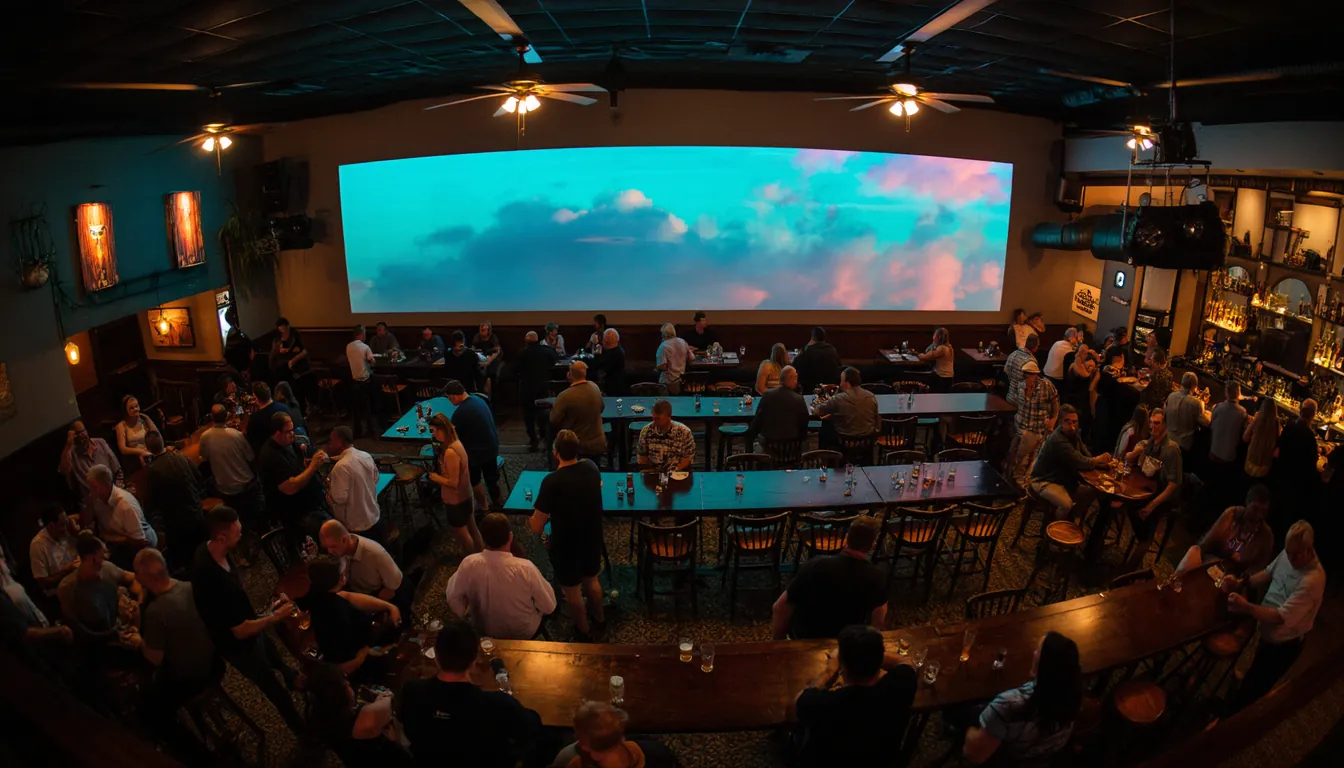
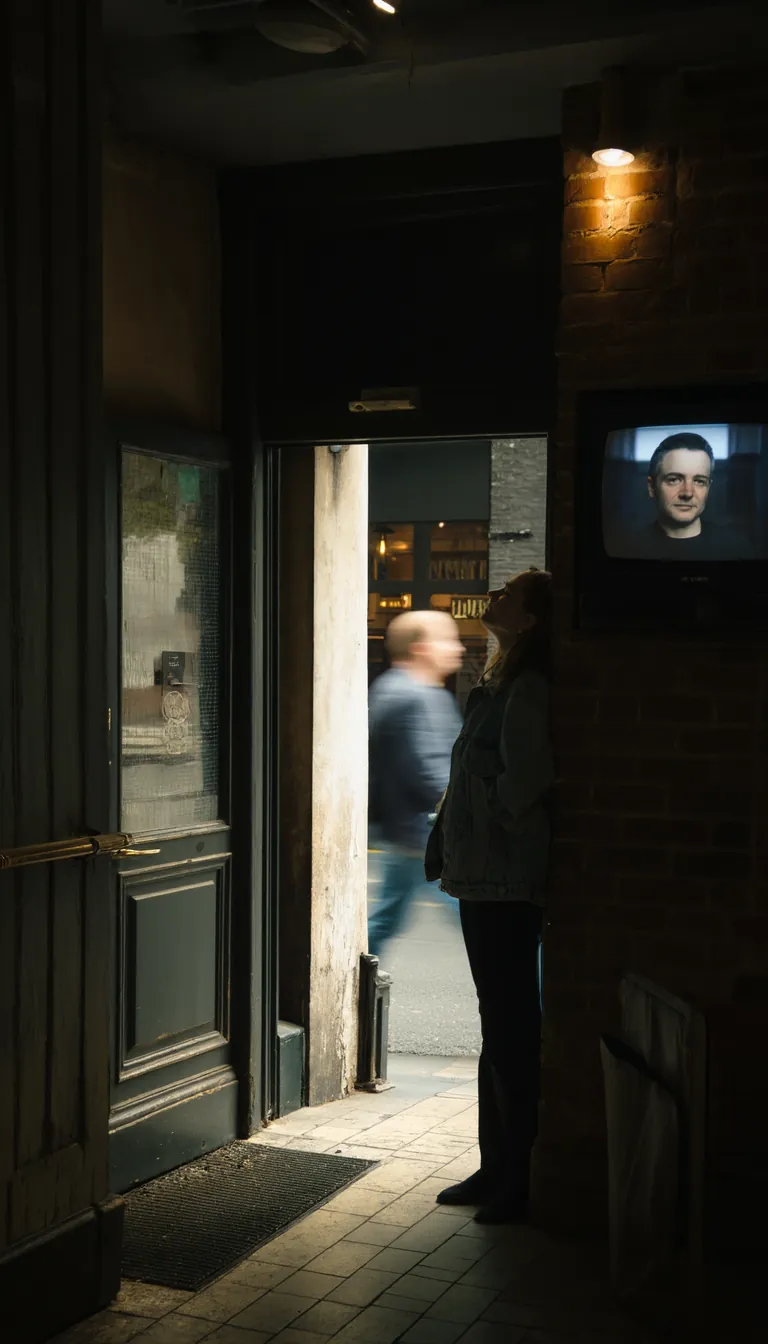
Illustrative - the photos on this site are AI generated, not photographs of real customers.
Talk to us
Tell us about your room.
Fill in what you know and leave the rest. A person at eJukebox reads it, not a queue, and we normally come back the same day.
Who you get Marc Kean, MusicBot Pty Ltd
Every enquiry goes straight to a person at eJukebox, not a ticket queue. We normally come back the same day.
What to tell us
- The venue and the town. Pub, club, bar, cafe, function room - and where it is.
- How many screens. Including the one in the corner nobody has switched on since the last grand final.
- What is on them now. Sport, a slideshow off a USB stick, a black screen, or nothing at all.
- When to ring. Before the lunch rush, after close, Tuesday afternoon - whatever suits the room.
On the day
What we would need from you.
Short list, and none of it is a project.
- A spare HDMI port. On the TV you already have. The eJukebox box plugs straight into it - or into the splitter you already run your TVs off.
- Wifi it can reach, or a network point near the TV. The network point is the sturdier of the two if the screen is a long way from the office.
- Your logo. Whatever file you have. If the only copy is on a coaster, tell us and we will sort it out.
- About ten minutes of somebody's time. On the day it goes in. Not ten minutes a week afterwards - it looks after itself once it is running.
Straight answers
Venue screen questions we actually get asked.
Including the one about money, which is at the bottom and answered as honestly as we can answer it before we have seen your room.
Will it work with my TV?
Any TV with an HDMI input. The eJukebox box goes into a spare port the same way a set-top box does. It powers on with the venue and runs around the clock. If your setup is unusual - an old panel, a projector, a screen already fed by something else - tell us what it is and we will tell you straight whether it will work.
What about the screens with the footy on?
Put the footy on with it. Live free-to-air TV is part of the screens now: pick the game from the guide, the screen switches to it at kick-off, and it comes back to your specials after the whistle. Your specials show during the ad breaks as well.
If you would still rather keep this on the spare screen and leave the big one alone, that works too. You no longer have to choose.
What if the internet drops?
The eJukebox box is built to keep the screen up on its own. A watchdog restarts the display if anything stops it, and the box is monitored at our end so a problem gets spotted here rather than found by your staff on a Saturday night.
Anything new - a fresh guest photo, a slide you just typed, the live TV picture - has to come down the connection, so that is the part that waits. If the wifi at the far end of the room is patchy, say so on the call and we will look at a network point near the TV instead.
Who decides what photos go up?
You do, and everything is checked first. Every guest photo is looked over for nudity, offensive gestures and anything tasteless before it can reach the wall. What does not pass is held back, not displayed - it never gets as far as the screen.
On top of that, the manager app lets you approve or hide photos one at a time or in bulk, push notifications tell you when something needs a decision, and you can stop the whole show from your phone from anywhere.
What if someone wants their photo taken down?
They tell a staff member and it is gone. The manager app hides a photo on its own, or clears a whole table's worth in bulk, and the screen catches up straight away.
If you want the wall off altogether for part of the night - during the speeches, say - you can stop the show from your phone from anywhere in the building.
Can a staff member break it?
Not easily. The TV is PIN-locked - press Escape at the screen and you get a PIN pad, not a desktop, not a file manager, not somebody's browser tabs. There is nothing to click out of and nothing to accidentally close.
Staff sign in without passwords, using Google, Microsoft or Apple, organised into per-venue teams. You add a manager by email and remove someone the day they leave.
Do I need to buy new screens?
No. That is the whole point of it - it runs on the screens you already own and already pay the power on. A spare HDMI input is the requirement. More TVs on the same picture is a lead and the splitter you have. A different picture in another room is a small screen box behind that wall - hardware once, nothing ongoing.
Does it need the music system too?
The screens come with eJukebox music - that is the deal. The same QR code that puts a photo on the wall takes song requests, the same phone that changes the channel runs the music, and at a function the host controls cover both. The music side lives at ejukebox.music.
What does it cost?
The screens, the TV remote and the sport guide come with an eJukebox music subscription. Beyond that it depends on how many screens you have and how the room is set up - one TV behind a bar is a different job from four screens, a function room and a portrait panel at the door.
So rather than put a number on a web page that turns out to be wrong for your venue, tell us about the room and we will price it properly. It takes one short conversation and you get a figure that actually holds.
Is it Australian?
Yes. Built, run and supported here by MusicBot Pty Ltd. Send the form through and you get one of us coming back to you, not a call centre and not a chat window that takes three days.
After you say yes
What happens next.
Three steps, and only one of them is yours.
Configured before it leaves
Your logo, your first slides, your schedule and your team's sign-ins are all set up remotely at our end. Nothing arrives as a box of parts and a manual.
One box, one cable
The box turns up already knowing which venue it belongs to and what it is meant to be showing. There is no setup wizard and no account to create on a TV remote.
It starts, and keeps starting
Into the spare HDMI port. It comes up with your room on it, powers on with the venue every day after that, and from then on you drive it from your phone.
On the way - not shipping yet
So nothing on this site can be read as a promise
Everything described on this site is what the screen does today. The items below are on the roadmap and are not shipping yet. If any of them is the reason you are interested, say so and we will tell you honestly where it is up to rather than let you buy on the strength of it.
Everything marked ◇ is on the roadmap. The photo wall, the instant slides, the moderation, the scheduling and the manager app are live.
Twenty minutes, on your own TV.
We bring a portable unit, plug it into a TV in your bar and hand you the phone. Four lines about the room - the venue, the town, how many screens and what is on them now - and we will set a time.
A person reads every enquiry - normally back the same day.